

Concept
A certificate profile is a configuration set specifying how leaf certificates should be issued for a group of end-entities including the issuing CA, a certificate policy, and the enrollment method (e.g. ACME, EST, API, etc.) used to enroll certificates. You typically request certificates against a certificate profile through its associated enrollment method. Each method defines its own interaction flow which you can read more about in its respective documentation.Guide to Creating a Certificate Profile
To create a certificate profile, head to your Certificate Management Project > Certificates > Certificate Profiles and press Create Profile.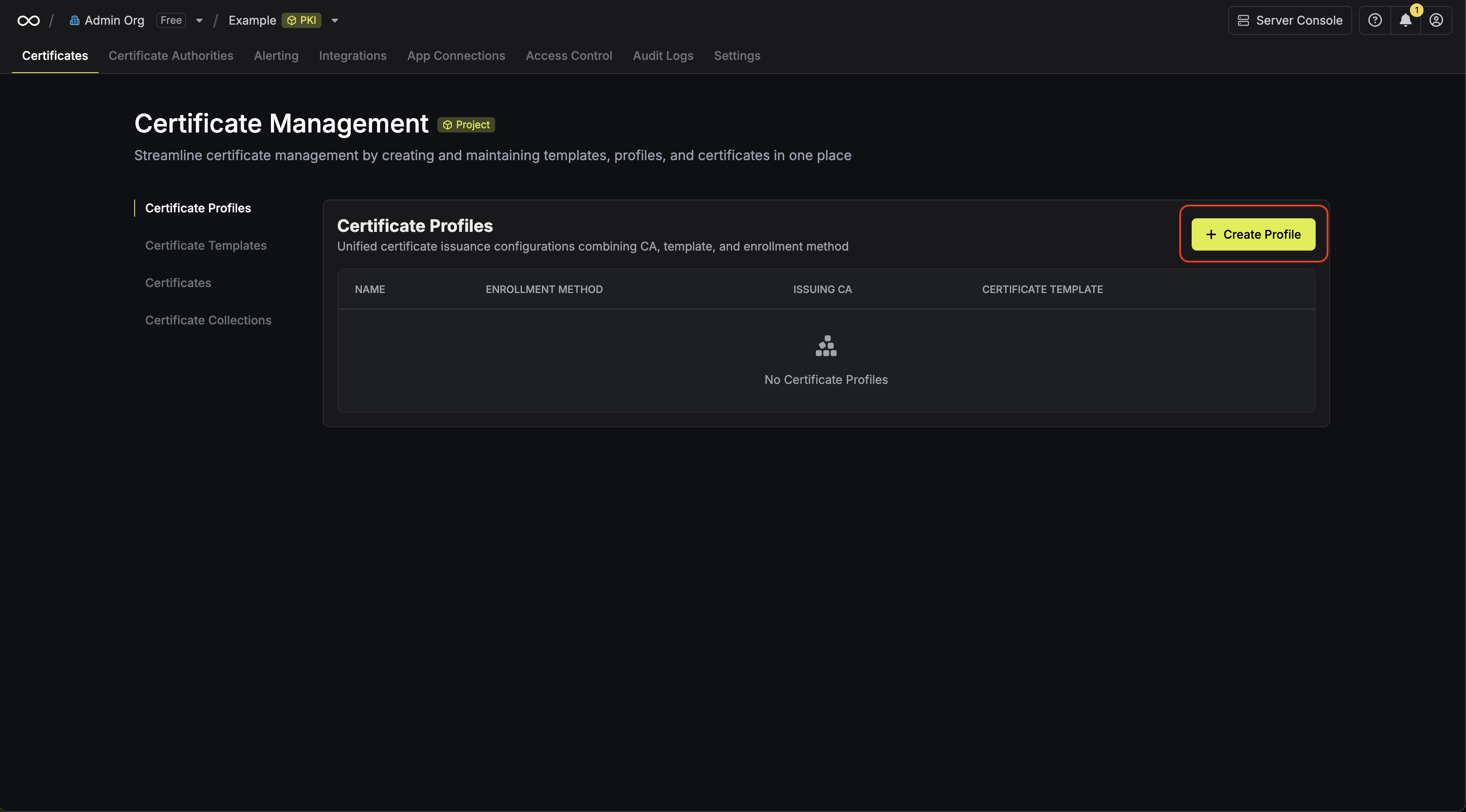
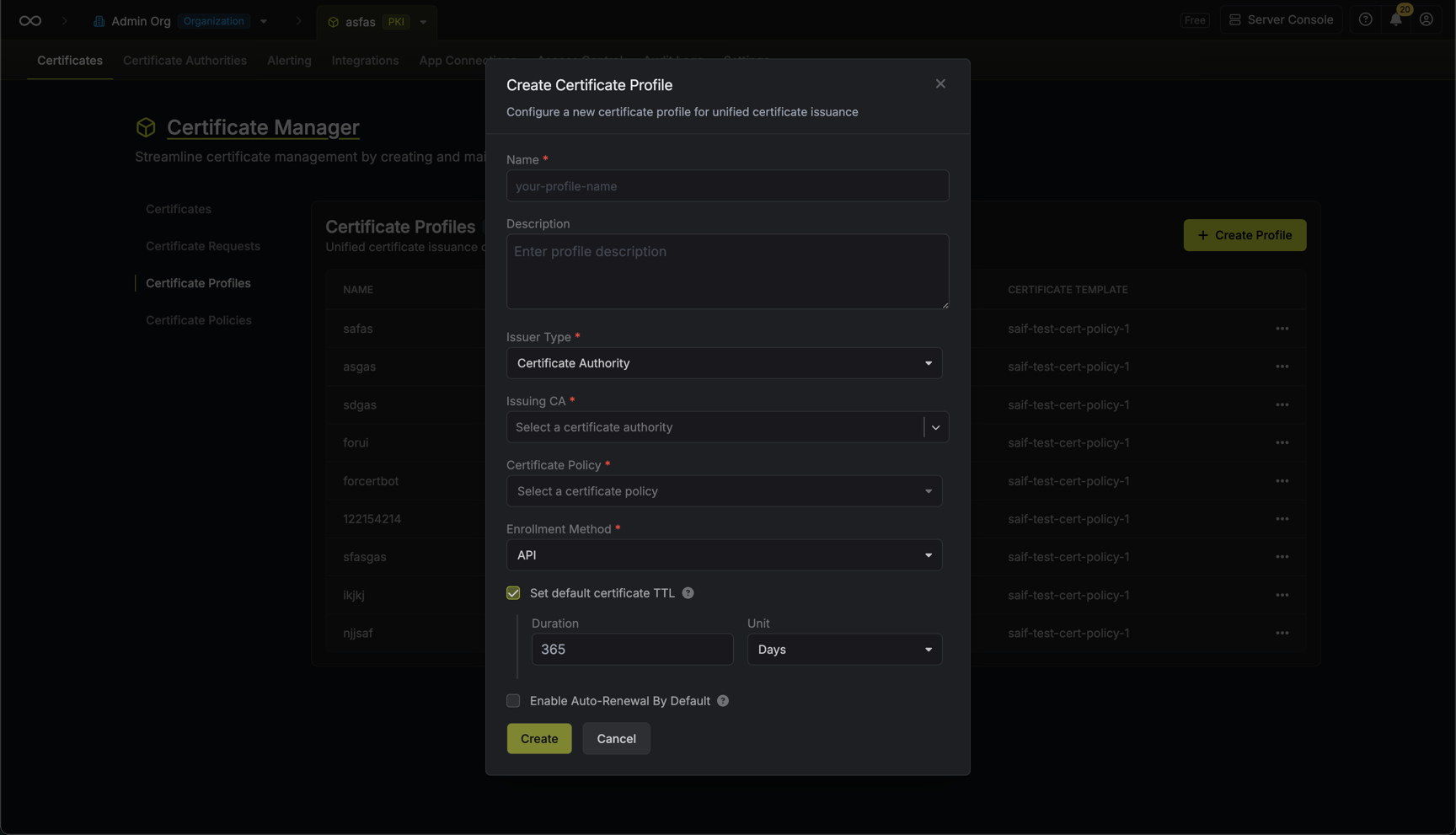 Here’s some guidance on each field:
- Name: A slug-friendly name for the profile such as
web-servers. - Description: An optional description for the profile.
- Issuer Type: The type of issuer that should be used to issue certificates for the profile; this can be either
Certificate AuthorityorSelf-Signed. IfSelf-Signedis selected, then the profile will only support the API enrollment method and be used to issue self-signed certificates over REST API. - Issuing CA: The issuing CA that should be used to issue certificates for the profile when the Issuer Type is set to
Certificate Authority. - Certificate Policy: The certificate policy that should be used to validate certificate requests for the profile.
- Enrollment Method: The enrollment method that should be used to enroll certificates for the profile such as ACME, EST, API, etc.
- Default Certificate TTL: An optional fallback validity period used when a TTL is not explicitly specified in the certificate request. The default TTL must not exceed the maximum validity defined in the associated certificate policy.